Tractor auto-steer for Prairie farms, on an RTK network you choose
Which auto-steer fits your tractor, what accuracy you really get, and why you don't have to use the dealer's correction network. CHCNAV auto-steer, installed by LATNET in Calgary and ready for the LATNET RTK network on day one. No coverage at your farm yet? We can put up a station.
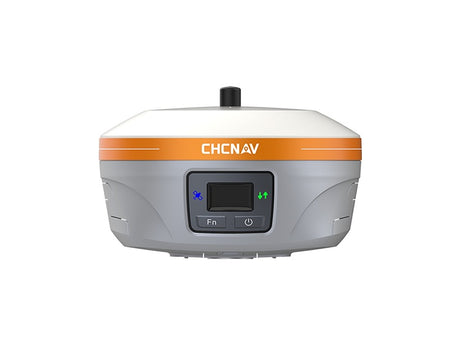
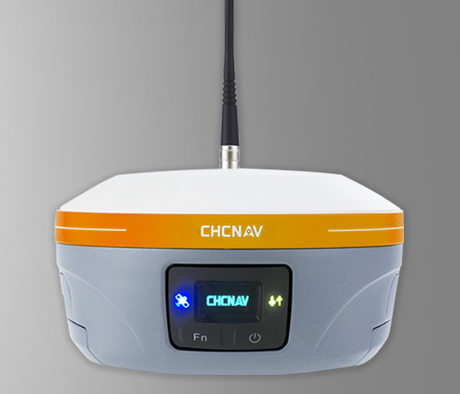
- The full CHCNAV line-up: NX510 SE, Steer Ready and Pro, NX610, NX612, Guide 10 guidance and HG100 harvester row guidance, supplied, installed and supported by LATNET.
- Three kinds of auto-steer: steering-wheel motor, hydraulic valve kit, or the tractor's own factory steering.
- The correction source decides accuracy. RTK gives ±2.5 cm and the same lines next year.
- Most RTK auto-steer can use any RTK network that sends standard RTCM 3 over NTRIP, including LATNET's.
- No coverage? Fill out the form and we'll look at installing a reference station near you.
Three ways a tractor can steer itself
Every auto-steer system has the same three parts: a GNSS receiver on the cab roof that knows where the tractor is, a display in the cab where you set your AB lines, and something that physically turns the front wheels. That last part is where systems differ, and it's usually what decides which kit fits your tractor.
Pick a type below and watch which parts do the steering.
There's also manual guidance: a lightbar or screen that tells the driver which way to steer. It's cheap, but the driver still steers, so pass-to-pass accuracy depends on the person and how tired they are by hour twelve. CHCNAV's Guide 10 is this kind of system, with terrain compensation, and it can be upgraded to full RTK auto-steer later by adding the electric steering wheel.
Which CHCNAV system fits your farm?
Every CHCNAV auto-steer system holds ±2.5 cm pass to pass on RTK and reads the standard RTCM 3 corrections the LATNET network sends. We install it, calibrate it, set up the corrections and support it from Calgary. Pick what matters to you:
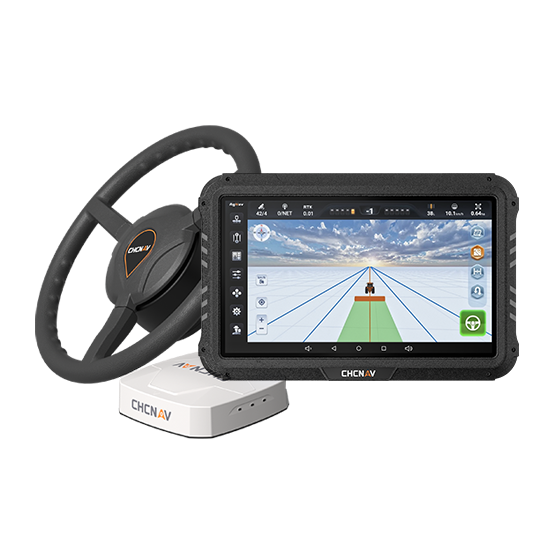
NX510 SE
- ±2.5 cm pass to pass, RTK fix in under 5 s
- 4G and UHF radio built in
- Reads RTCM 3.0 to 3.3: ready for LATNET RTK
- Moves from one tractor to another
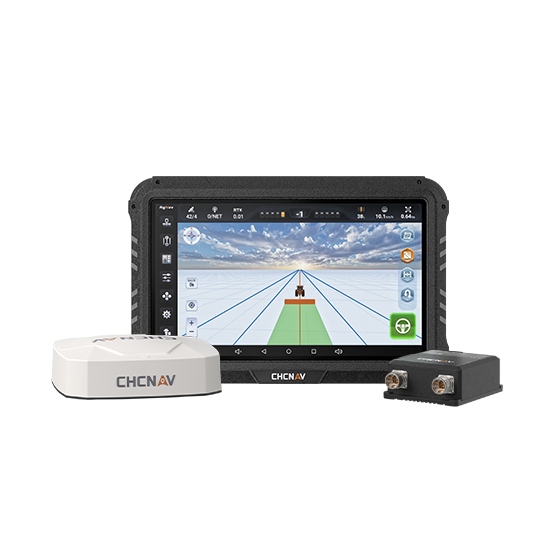
NX510 Steer Ready
- Drives the tractor's own valve over CAN or PWM
- No wheel motor, no extra valve
- 0.3 to 20 km/h, 6-axis terrain compensation
- ISOBUS VT/UT, 4G and UHF built in
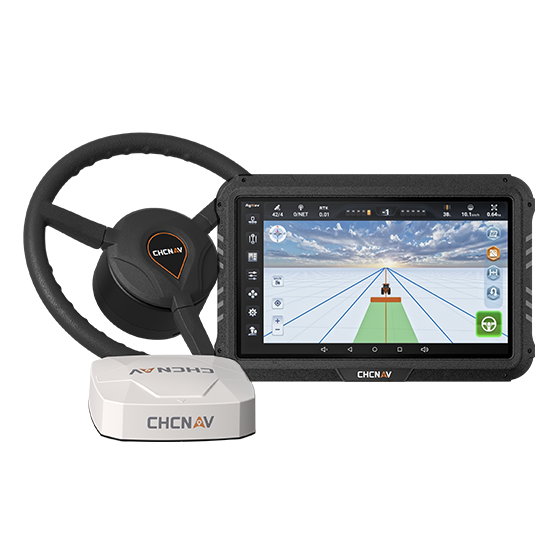
NX510 Pro
- RTK on the LATNET network over its built-in 4G
- RTK fix in under 10 s, external radio supported
- Reads RTCM 2.x/3.x and CMR
- Moves from one tractor to another
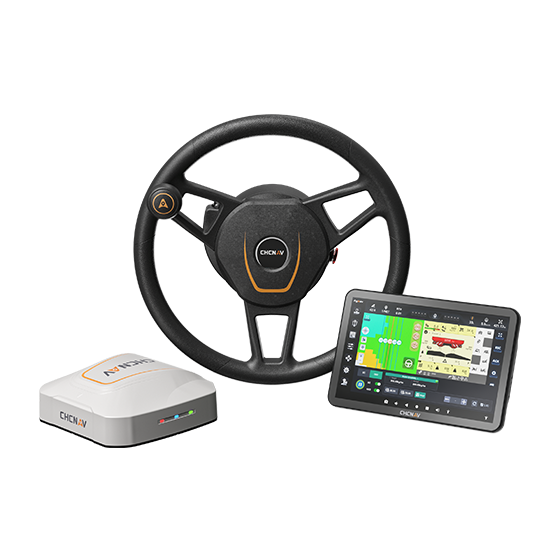
NX610
- 10.1″ HD display, compact drive-wheel motor
- ±2.5 cm from 0.1 to 30 km/h
- Built-in 4G and radio for LATNET RTK or a UHF base
- Articulated 4WD, tracks and self-propelled sprayers
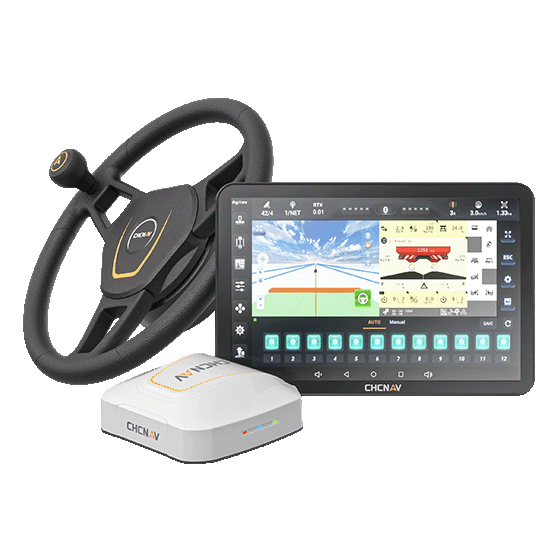
NX612
- 12.1″ 750-nit display with 3D views
- ±2.5 cm from 0.1 to 30 km/h
- Built-in 4G and radio for LATNET RTK or a UHF base
- ISOBUS VT/TC, U-turns, implement guidance, cameras
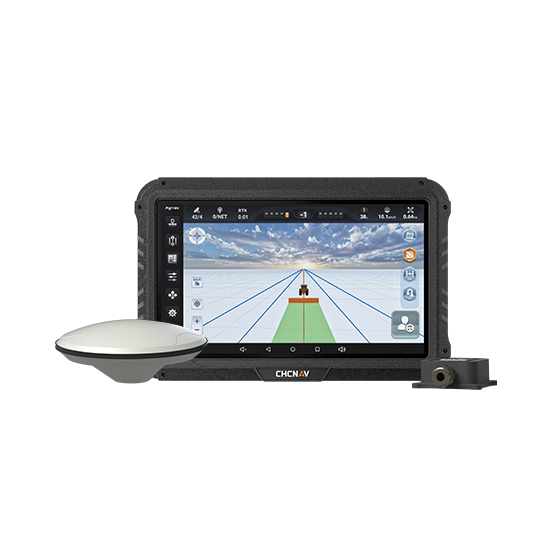
Guide 10
- On-screen lightbar on a 10.1″ display
- IMU terrain compensation
- AB, A+, curve and circle lines
- Upgrade later to RTK auto-steer with an electric wheel
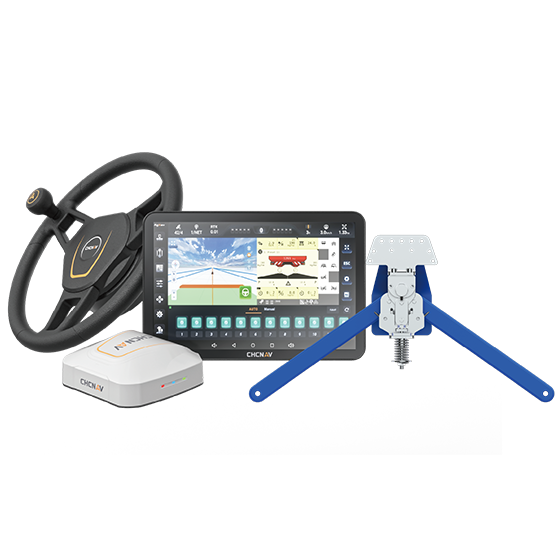
HG100
- Crop-row sensors on the header dividers
- Keeps the harvester centred, ±8 cm, up to 15 km/h
- 40 to 80 cm row spacing
- Switches with NX600-series GNSS auto-steer
Auto-steer + LATNET RTK, ready before seeding
Order now and we install and calibrate the system over the winter, connect it to the LATNET RTK network and show you how to run it. One supplier, one phone number for the steering and the corrections. Already have auto-steer from another brand? It can very likely run on LATNET RTK too; see section 4.
The steering is only as good as the position it's fed
A GNSS receiver on its own is off by a metre or more. Corrections fix that, and the kind you use decides how straight your passes are and whether you can find the same lines next spring.
- Free satellite corrections (SBAS): no subscription, but typically 15 to 30 cm pass to pass, and the lines drift over hours and from year to year.
- RTK from a network like LATNET: ±2.5 cm pass to pass within seconds of start-up, and repeatable. Your AB lines, tramlines and drain lines are in the same place every year.
Your own RTK base, without owning a base
LATNET runs a network of permanent GNSS reference stations in Alberta. Each station tracks the satellites around the clock. Our server combines them and sends corrections over the internet to your tractor's receiver, usually through the cell modem in the display or a phone hotspot. No base in the yard, no radio, no moving a tripod between fields.
What you put into the display
Connecting is the same as with any NTRIP network. In the display's correction settings, choose NTRIP (sometimes called "network RTK" or "internet RTK") and enter:
Start with the 7-day free trial at rtk.latnet.ca, or call us and we'll help set it up on your display.
Can my auto-steer use the LATNET RTK network?
If you've been told your tractor can only run on the dealer's or the manufacturer's correction service, it's worth a second look. RTK corrections are an open, industry-standard format (RTCM 3), delivered over an open protocol (NTRIP). Most RTK-capable auto-steer receivers from the last several years can read them, no matter who runs the network.
Ask the right question
CHCNAV designs its systems for exactly this. The NX510 series reads RTCM 3.0 to 3.3 from local RTK networks or your own UHF base, and the NX610 and NX612 take RTK over their built-in 4G or radio. You choose where the corrections come from.
When someone says "it only works with ours", ask: is that a technical limit of the receiver, or a subscription you're being sold? In most cases the receiver is fully capable of using an independent RTK network. Sometimes it needs an RTK unlock or a third-party corrections option turned on, which is a one-time receiver setting, not a reason to pay one network forever.
Answer three quick questions and we'll tell you what it takes on your tractor.
1. Can your guidance receiver do RTK (centimetre level)?
2. How could it get corrections?
3. Roughly how old is the receiver?
Pick your answers
The result shows up here.
Get auto-steer and RTK for your farm
Tell us about your tractor and where you farm. We'll come back with the right CHCNAV system, an installed price and the RTK setup for your fields.
No coverage at your farm? If your fields are outside LATNET coverage, tell us where you farm. We can install a new reference station in your area, often right on a farm. All a station needs is a solid spot with a clear view of the sky, power and an internet connection.
Once it's up, you and your neighbours get centimetre RTK over 4G with no base to haul around.
- 📞 (403) 397-2210
- 🌐 Coverage and free trial: rtk.latnet.ca
Questions farmers ask us
Can I use the LATNET RTK network with my existing auto-steer?
In most cases, yes. Most RTK-capable auto-steer receivers accept standard RTCM 3 corrections over NTRIP, which is what LATNET sends. Some receivers need an RTK unlock or a third-party corrections option turned on first. Send us the make and model of your display and receiver and we'll check.
My dealer says I can only use their network. Is that true?
Usually not for technical reasons. RTK corrections are an open standard, and most receivers can read them from any network. Ask whether the limit is in the receiver or in the subscription you're being offered. If an option needs enabling, it's typically a one-time setting on the receiver.
What if there's no LATNET coverage at my farm?
Fill out the request form on this page. We can install a new reference station in your area, often on a farm. A station needs a solid spot with a clear view of the sky, power and an internet connection.
Do I need a cell signal in the field?
Network RTK comes over the internet, so the tractor needs a data connection from a modem in the display or a phone hotspot. Where cell coverage is weak, an iBase Ag base in the yard can broadcast over UHF, or we can look at putting a LATNET station near you.
Does it work on articulated 4WD tractors and sprayers?
Yes. The NX610 and NX612 are built for front-wheel and rear-wheel steering, articulated tractors, tracked machines and self-propelled sprayers, and the NX510 series retrofits most tractors with an electric steering wheel or the factory steering valve.
Can I move the system between tractors?
Yes. The NX510 SE, NX510 Steer Ready and NX510 Pro are designed to move from one tractor to another, so one system can cover seeding in one tractor and spraying in another.
Can I start with manual guidance and upgrade later?
Yes. The CHCNAV Guide 10 gives you an on-screen lightbar with terrain compensation. When you're ready, add the electric steering wheel and the RTK upgrade and it becomes full auto-steer.
How much does LATNET RTK cost?
Monthly and annual plans are available. Contact us for pricing, or try the network free for 7 days at rtk.latnet.ca.
What accuracy can I expect?
With RTK, auto-steer systems such as the CHCNAV NX510, NX610 and NX612 hold about ±2.5 cm pass to pass (RTK horizontal accuracy is 8 mm + 1 ppm), and the lines repeat from season to season. Free SBAS corrections are typically 15 to 30 cm and drift over time.
Which mount point should I use?
VRS_MSM4 works with most receivers. Use VRS_MSM5 if your receiver supports MSM5, or the MAC mount points if your receiver prefers network (MAC) corrections. If you're not sure, call us and we'll help set it up.
Accuracy figures are typical values from manufacturers' published specifications and general industry experience, not guarantees for a specific receiver or field. Whether a particular receiver can use third-party RTK depends on its model, firmware and enabled options; we're happy to check yours. The 3D scenes are simplified illustrations. Product details are taken from CHCNAV datasheets. CHCNAV, NX510, NX610, NX612, Guide 10, HG100 and AgNav are trademarks of CHC Navigation.
CHCNAV auto-steer on LATNET RTK, installed this winter
Get a quote for your tractor, or try the RTK network free for 7 days with the auto-steer you already have.
Get a quote Free RTK trial